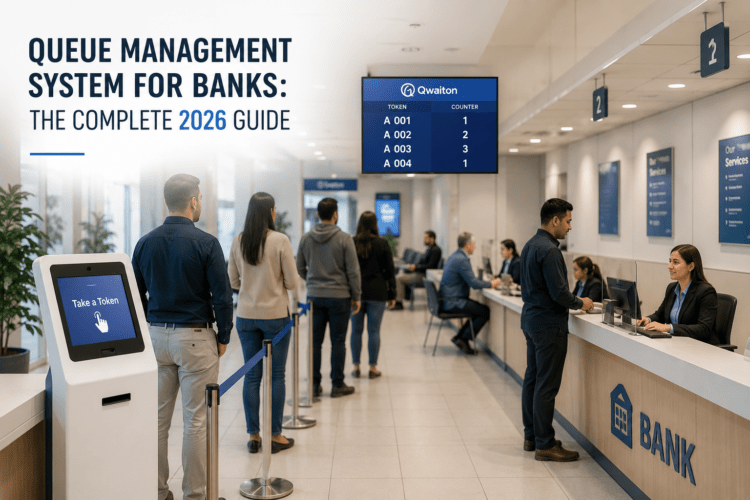
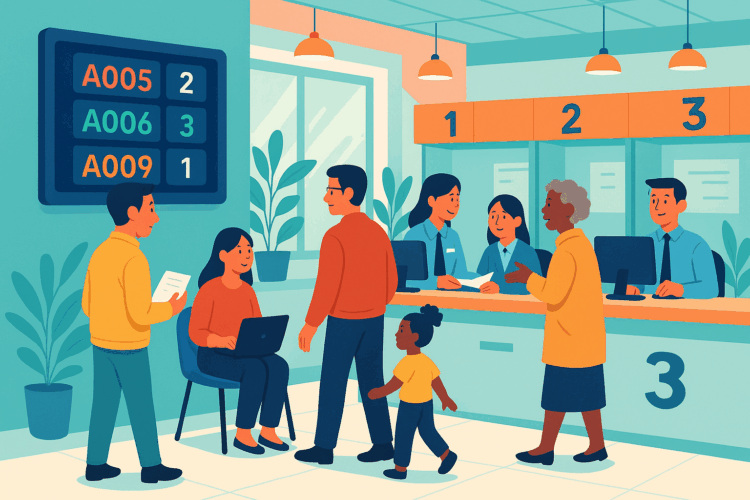
Every waiting line answers three questions for the people standing in it: who is next, how long will it take, and where do I go? A paper ticket roll and a member of staff calling names can answer them on a quiet day. On a busy Monday morning, nobody can. A queue management system answers the same three questions with software, for every visitor, all day.
This guide walks through what actually happens inside such a system, stage by stage, using one example: a clinic with three consultation rooms on a busy morning.
The short version
A queue management system records each visitor when they arrive, gives them a place in line for the right service, tells staff who to call next, shows visitors where they stand, and keeps a log of every step. Everything else is a variation of those five jobs.
Stage 1: Check-in
The visitor tells the system they are here. There are four common ways to do that, and most places use two or three of them side by side:
- QR code: the visitor scans a code at the entrance with their own phone and picks a service. No app is needed; a web page opens.
- Kiosk: a touch screen or a tablet at the door, for people who prefer not to use their phone.
- Reception: staff add the visitor in a few clicks, for example for an elderly patient or a phone call.
- Appointment: a booking made earlier turns into a place in the queue when the visitor confirms they have arrived.
The result is always the same: a ticket, such as B-014, linked to a service and a time stamp. The ticket can live on paper, on the phone, or both.
Stage 2: Choosing the service
Not everyone is waiting for the same thing. A bank customer may want a deposit, a mortgage advisor or a new card. A patient may need registration, a blood test or a consultation. When visitors pick a service at check-in, the system can keep a separate line for each service, so nobody waits behind people who need something else.
Keep the list short. Three to six clear services work better than fifteen; visitors who cannot find their option tend to pick the first one.
Stage 3: Routing to the right counter or room
Routing decides which staff member sees which ticket. The usual rules are:
- By service: counter 2 handles payments, room 3 handles blood tests.
- By skill: only advisors trained for mortgages see mortgage tickets.
- By priority: pre-booked appointments, elderly visitors or urgent cases can move ahead, according to rules you set and visitors can see.
- By availability: the next free counter that offers the service takes the next ticket.
The important part is fairness that people can see. A customer who notices someone arriving later being served first, without an explanation, will feel the wait is longer than it was.
Stage 4: Waiting
This is where a queue system makes the biggest difference to how the wait feels. The visitor can see where they stand:
- on a waiting-room screen that shows the tickets being called and the counter or room to go to (see our page on token display systems),
- on their own phone, with their position and an estimated wait,
- by SMS when their turn is close, so they can wait in a café or in the car instead of a crowded room. This is often called virtual queuing.
Research on waiting goes back decades. In his well-known essay on the psychology of waiting lines, David Maister described how uncertain waits feel longer than known ones, and unexplained waits longer than explained ones. A screen with a ticket number and a realistic estimate turns an uncertain wait into a known one.
Stage 5: Calling and serving
When a staff member is ready, they press Call next. The system picks the right ticket, shows it on the screen with the room or counter number, and can play a chime or a spoken announcement. During the visit, staff can:
- recall a ticket if nobody comes forward,
- transfer the visitor to another service (for example from registration to a doctor) without sending them back to the end of the line,
- mark a no-show after a set time, so the queue keeps moving.
Calling by ticket number rather than by name also protects privacy, which matters in clinics and pharmacies. Many systems, Qwaiton included, let you choose number or name per location.
Stage 6: The data behind it
Because every step has a time stamp, the system can answer questions that are hard to answer from a notebook:
- Waiting time: from check-in to being called, per service and per hour.
- Service time: from being called to finished.
- Walk-aways: visitors who checked in but left before being called.
- Peaks: which hours and days bring the most visitors.
These numbers are what you use to plan staff, move appointment slots, and see whether a change worked. Our business intelligence page shows what such a dashboard looks like.
One clinic morning, in numbers
Here is an example to make the stages concrete. The figures are illustrative, not data from a specific clinic.
A clinic opens at 8:00 with three consultation rooms. Between 8:00 and 10:00, about 30 patients arrive per hour, a mix of booked appointments and walk-ins. Before the queue system, the average wait was about 30 minutes, and the waiting room was full.
A simple rule from queueing theory, known as Little's Law, links these numbers: the average number of people waiting equals the arrival rate multiplied by the average waiting time.
| Arrivals per hour | Average wait | People in the waiting room (average) | |
|---|---|---|---|
| Before | 30 | 30 minutes (0.5 hour) | 30 × 0.5 = 15 |
| After | 30 | 15 minutes (0.25 hour) | 30 × 0.25 = 7 to 8 |
Halving the average wait halves the crowd in the room, without adding a single chair. And if half of the patients choose to wait outside until they get an SMS, the room holds only three or four people at a time.
What changed in the example? Patients checked in by QR code instead of queueing at reception; walk-ins and appointments were kept in one fair queue; staff called the next patient with one click; and the reports showed that most walk-ins arrived between 8:30 and 9:30, so one extra staff member was scheduled at reception for that hour.
What runs where
A modern system is mostly software in the cloud. Staff use it in a web browser; the waiting-room display is a web page on any TV or monitor; the kiosk is a tablet. Some places add ticket printers for visitors without a phone. Large organisations sometimes install the software on their own servers instead (on-premises), which costs more and needs IT staff, but some regulated industries require it.
If you are wondering about costs, our queue management system cost guide explains the pricing models and the hardware you may or may not need.
How to choose a system
Ask these questions before you sign up for anything:
- How do visitors check in? QR, kiosk, reception and appointments should all end in the same queue.
- Can you set the routing rules yourself? Services, priorities and counters change over time.
- What do visitors see while they wait? A screen, their phone, an SMS, or all three.
- Which reports are included? Waiting time per service and per hour is the minimum.
- What hardware is required? Ideally none beyond screens and tablets you already have.
- Can you test it on a real day? A free trial on your own queue tells you more than any demo.
For a side-by-side look at popular systems, see our comparison of queue management software.
Common questions
Do visitors need to install an app?
Usually not. Scanning a QR code opens a web page, and SMS works on any phone. An app only makes sense for organisations whose customers visit very often.
Can walk-ins and appointments share one queue?
Yes, and they should. The system places booked visitors at their time and fills the gaps with walk-ins, so neither group waits longer than necessary.
How long does it take to set up?
For one location with a few services, a cloud system can be running the same day: create the services, print the QR code, open the display page on the waiting-room screen.
Does a queue system reduce the actual waiting time?
It makes waits shorter in two ways: directly, by removing check-in delays and idle counters, and indirectly, through the data that shows where to add staff. It also makes the remaining wait feel shorter, because people know where they stand.
Sources
- David H. Maister, The Psychology of Waiting Lines (1985).
- John D. C. Little, "A Proof for the Queuing Formula: L = λW", Operations Research 9(3), 1961.