✨ New: AI-powered wait-time predictions are here  See it in action →

Solution · Restaurant Kiosk

The self-order kiosk that ends the lunch-rush line

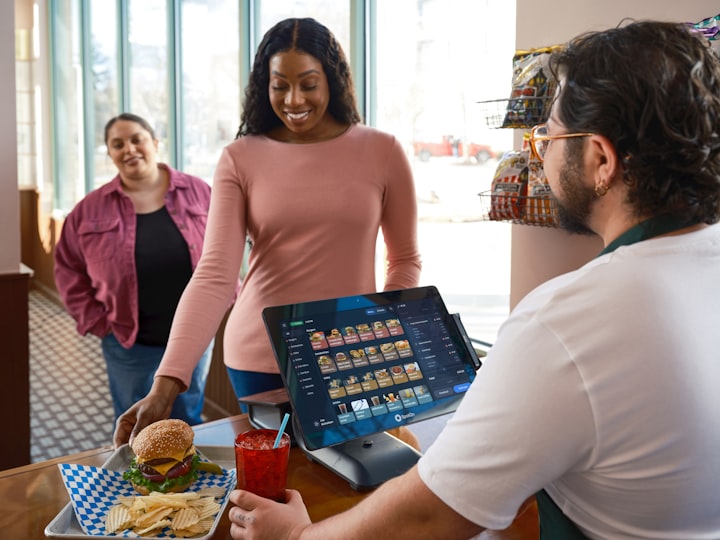
Let guests browse, customize and pay at a touchscreen — while every order lands straight in the kitchen. Bigger average checks, shorter queues, and staff freed from the till to actually serve. Runs on the tablets you already own. Live in a day.

  • No hardware required
  • 14-day free trial
  • Setup in one day
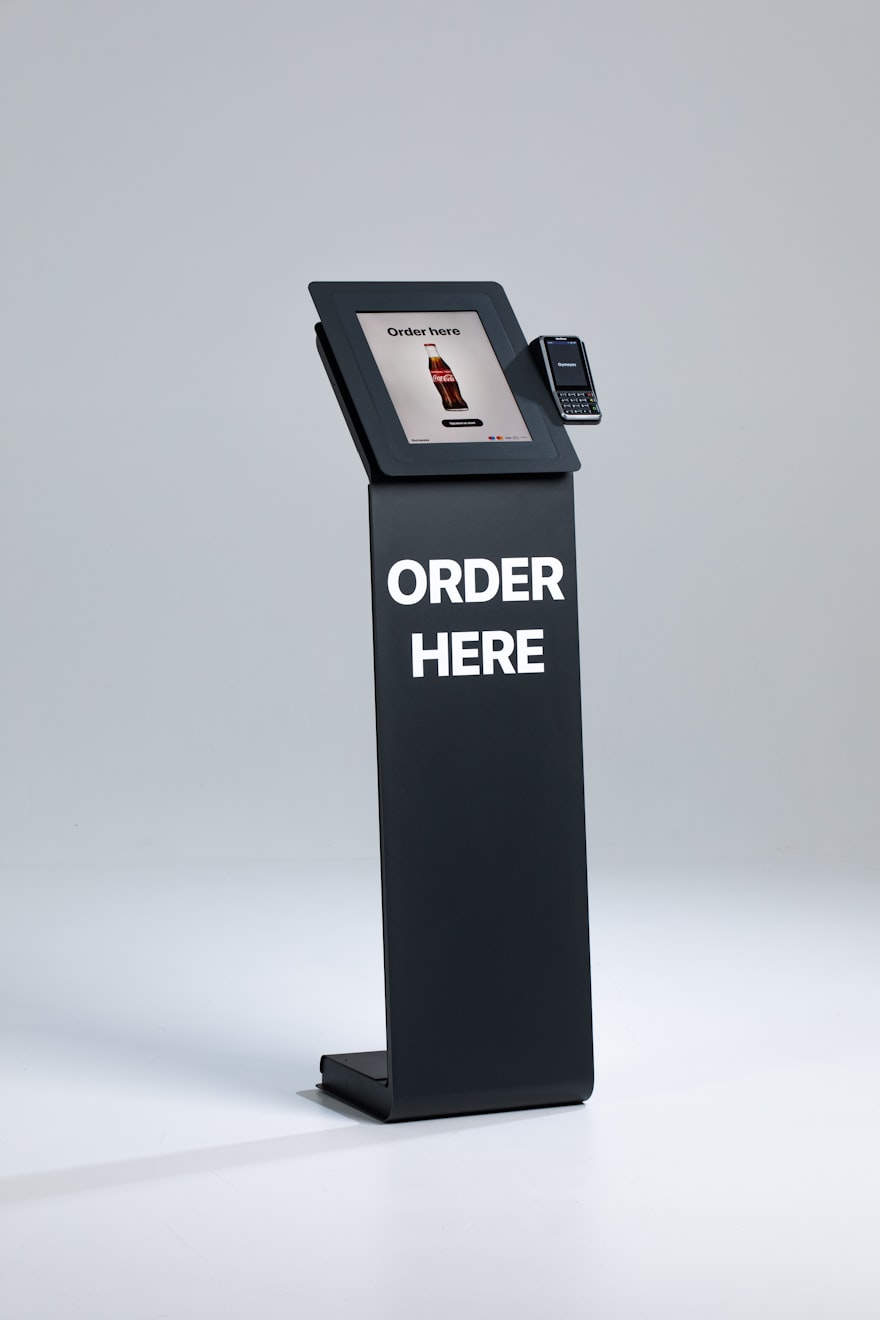
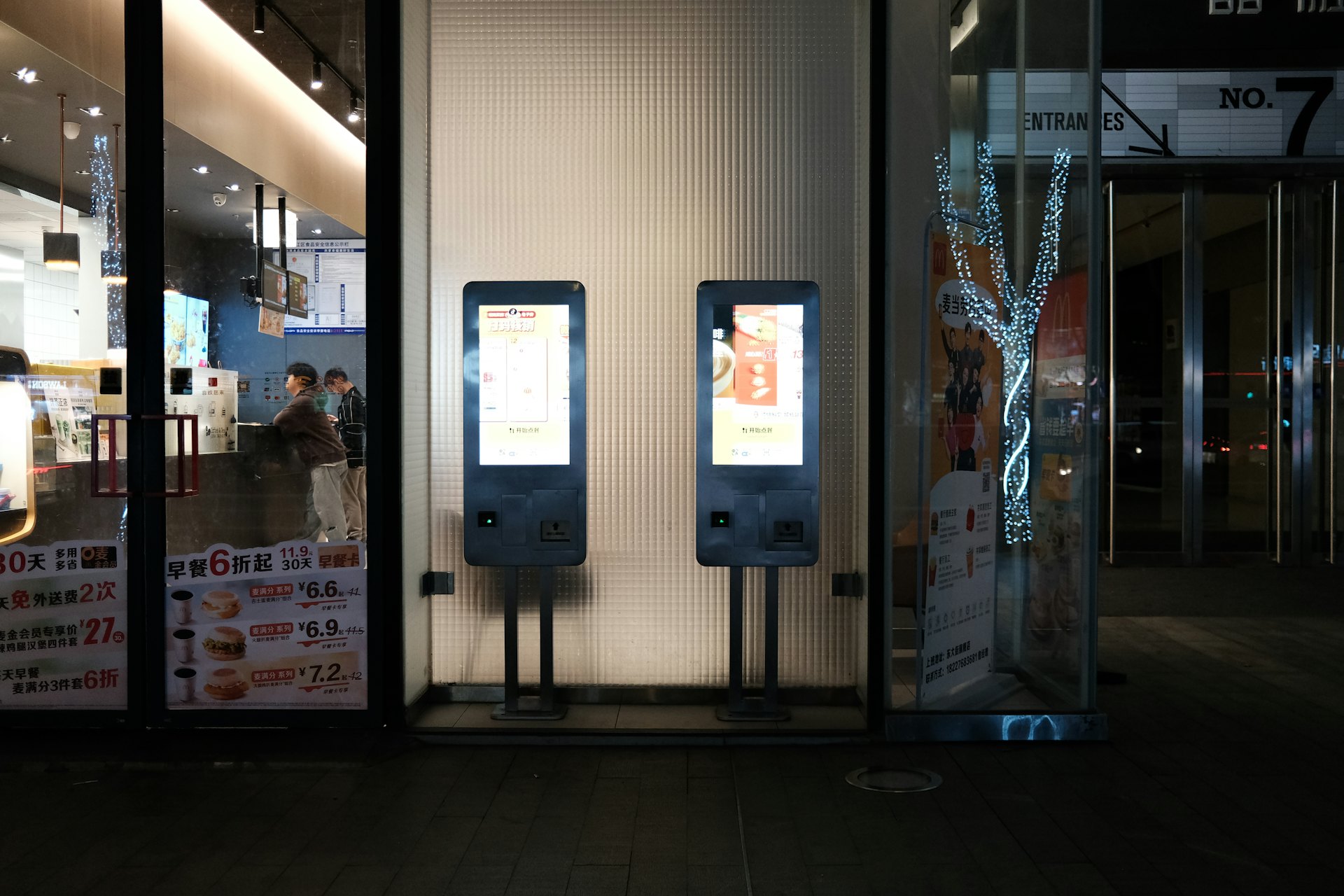
Self-order kiosk stand with a touchscreen ordering menu and a contactless card payment terminal

Trusted by 65,000+ users across 120+ countries

0%bigger average order
0%shorter counter waits
0%fewer order errors
1 dayto go live
The Basics

What is a restaurant self-order kiosk?

A restaurant self-order kiosk is a touchscreen where guests place their own order. They browse a visual menu, customize every item, pay by card or wallet, and collect a ticket number — all without waiting for a cashier.

The moment they confirm, the order is sent straight to the kitchen display or printer. Lines at the counter shrink, mistakes drop because guests choose exactly what they want, and staff are freed from the till to cook, expedite and look after the room. And because a kiosk never forgets to suggest a side or a combo, the average check quietly goes up.

Explore the features →
Why It Works

One kiosk, three big wins

Qwaiton kiosks lift the check, speed up the counter and take pressure off your team — all at once.

Bigger average orders

Kiosks never forget to upsell. Every order gets a gentle nudge — make it a combo, add a side, upgrade the drink — and guests customize more freely without a queue behind them.

  • Automatic combos, sides & add-ons
  • Tempting photos on every item
  • No rush, so guests order more

Shorter lines, faster service

Several kiosks take orders in parallel, so the lunch rush stops bottlenecking at one till. Guests order the moment they arrive and collect when it's ready.

  • Parallel ordering clears the queue
  • Orders hit the kitchen instantly
  • Pickup by number — no crowding

Fewer errors, happier staff

Guests pick exactly what they want, so "that's not what I ordered" all but disappears. Your team leaves the till behind and gets back to cooking and hosting.

  • Guest-entered orders cut mistakes
  • Staff redeployed from till to floor
  • Clear tickets the kitchen can read
The 12:30 Rush

The same lunch hour — two very different counters

A queue is out the door and the kitchen is slammed. Here's how the next twenty minutes go with one cashier and a paper pad — and how they go once the kiosks are taking orders.

Without Qwaiton

The counter bottleneck

  • One till, one cashier — the whole rush funnels through a single point.
  • An order gets misheard; the wrong plate goes out and has to be remade.
  • The cashier forgets to ask about a side, so the check stays small.
  • Two people at the back see the line and walk out without ordering.
→ A stressed team, a slow line, and money left on the table.
With Qwaiton

The counter that just flows

  • Four kiosks take orders at once — the queue melts in minutes.
  • Guests tap exactly what they want, so the kitchen gets it right first time.
  • Every screen offers a combo and a side — the average order climbs.
  • Orders fly to the kitchen display while staff run food and host.
→ A faster line, a calmer kitchen, and a bigger tab per guest.
Everything Included

Every tool a modern counter needs — in one platform

No bolt-ons, no surprise add-ons. It all comes in the box.

Visual Menu Builder

Build a mouth-watering menu with photos, modifiers and categories — update prices and specials in seconds, across every kiosk.

Smart Upsells & Combos

Suggest the right side, drink or combo at the right moment — automatically — to lift the average order on every single ticket.

Pay at the Kiosk

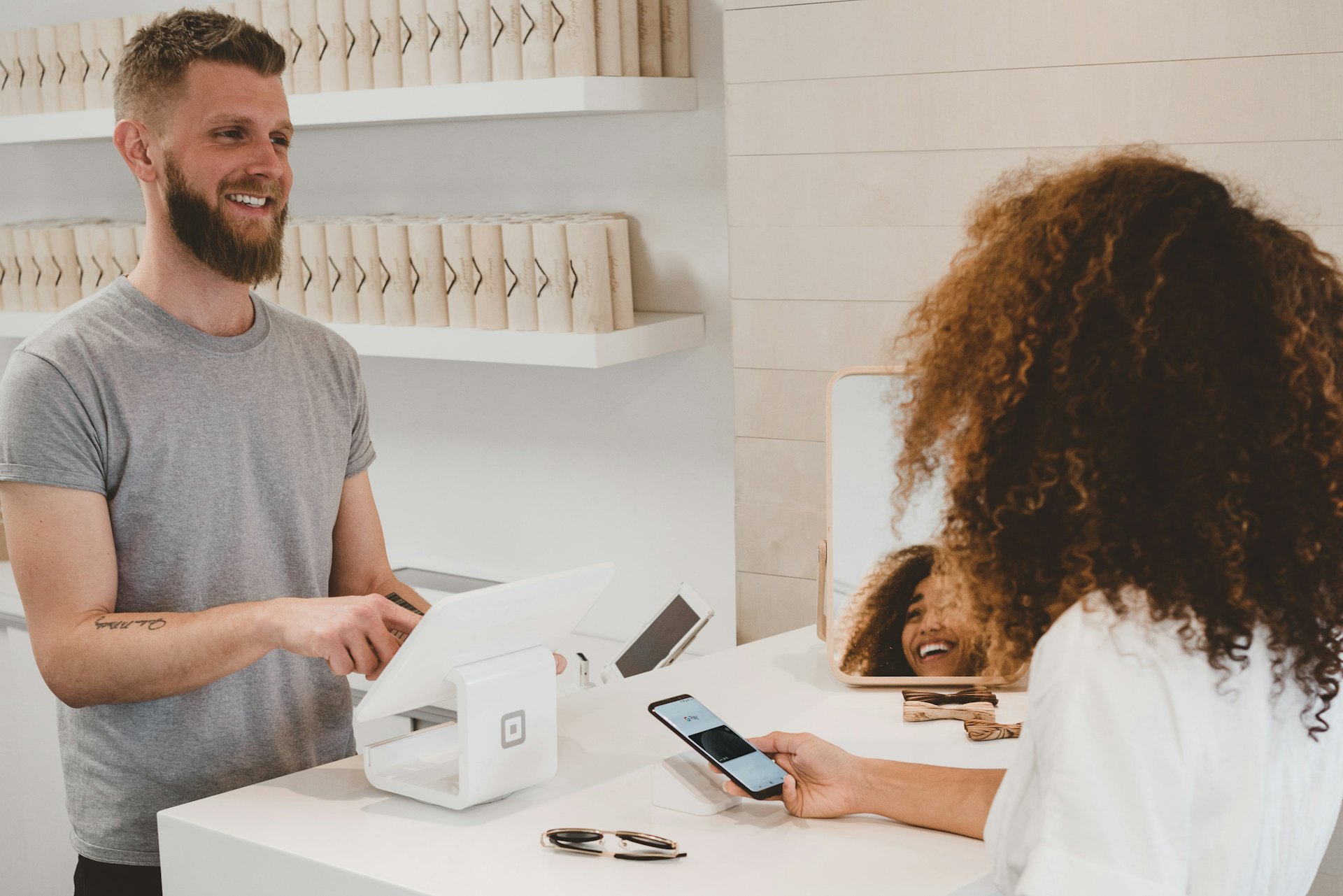
Card, contactless and mobile wallets accepted right on the screen — secure, fast checkout with no cashier in the loop.

Straight to the Kitchen

Every order lands on your kitchen display or printer the instant it's placed, and can sync with your POS — no re-keying, no lost tickets.

Loyalty & Reorder

Recognize regulars, apply rewards and let them reorder a favourite in one tap — more repeat visits, bigger baskets.

Multi-Language & Accessible

Serve every guest with on-screen language options and accessible, large-touch layouts — a smoother order for everyone.

Flexible Ordering

Let guests order however they like

One menu, four ways to order. Every channel feeds the same kitchen.

Self-Order Kiosk

Freestanding or countertop touchscreens that take orders in parallel.

QR at the Table

Guests scan, order and pay from their seat — no app, no waiting.

Counter Tablet

Staff take and fire orders on a tablet when guests prefer a person.

Order Online

Take pickup orders from your website into the very same queue.

The Guest Journey

From hungry to served, in three taps

BROWSE

Browse & customize

Guests explore a visual menu, tap through modifiers and build exactly the meal they want — with combos suggested along the way.

ORDER & PAY

Pay & send to kitchen

They check out by card or wallet on the screen, and the order fires straight to the kitchen display — accurate and instant.

PICK UP

Collect by number

A ticket number appears on the pickup screen when the food is ready — no crowding, no shouting names across the room.

Zero Friction Setup

No hardware. No IT project. No excuses.

Qwaiton runs entirely in the browser and deploys from the cloud. Turn the tablets and touchscreens you already own into kiosks, pair a standard kitchen printer, and you're taking orders — enterprise security and automatic updates included.

  • 100% browser-based — nothing to install
  • Works with tablets & printers you already own
  • Update menus & prices across every kiosk instantly
  • Enterprise-grade security, always up to date
Start Free Trial
Restaurant staff preparing an order behind the counter
Command Center

See every order, every location — as it happens

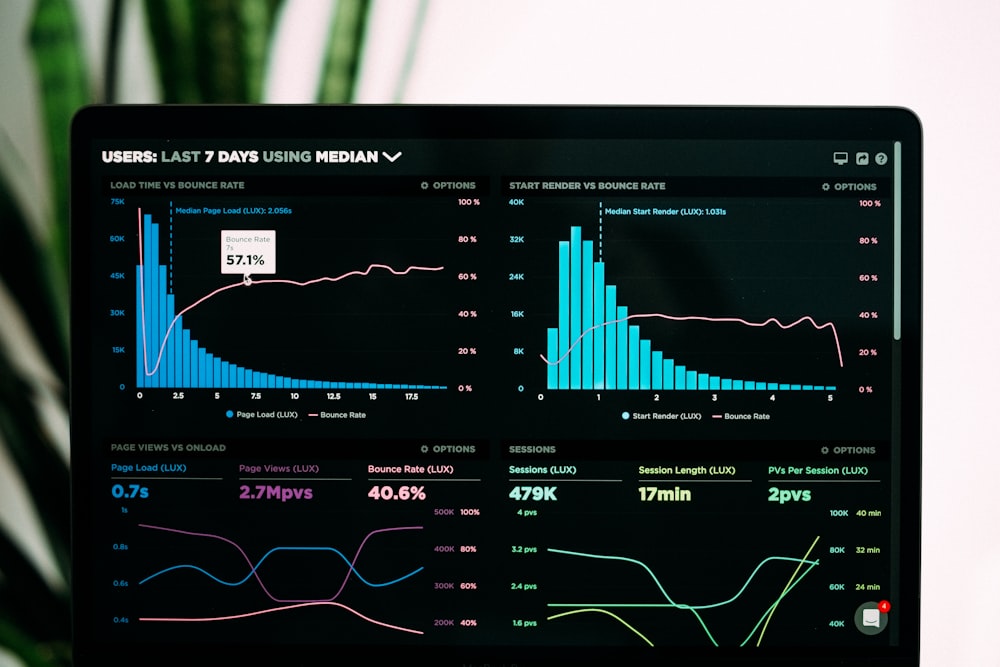
Track sales, best-sellers and busy periods live, spot which upsells land, and compare locations from HQ. Menu changes push to every kiosk at once, and it all syncs with your POS and analytics.

  • Live sales & best-seller reporting
  • Average-order & upsell tracking
  • Multi-location menus & roll-up reports
  • POS & kitchen-display integrations, always synced
Book a Live Demo
Live sales and order analytics dashboard for a restaurant
Live OrdersNow
Kiosk 1
#128
Kiosk 2
#129
QR · T4
#130
$24.80avg order
96%upsell shown
41orders/hr
Where It's Used

Built for every place people order & wait

Doctor managing patient flow on a tablet −41% patient wait

Healthcare

Patient flow for hospitals, clinics & labs — calmer rooms, shorter waits.

Explore Healthcare →
Advisory session at a bank branch −40% branch wait

Banking

Route customers to the right teller or advisor and cut branch congestion.

Explore Banking →
Financial advisor meeting a client +28% advisor time

Finance & Insurance

Book and manage advisory meetings without the waiting-room bottleneck.

Explore Finance →
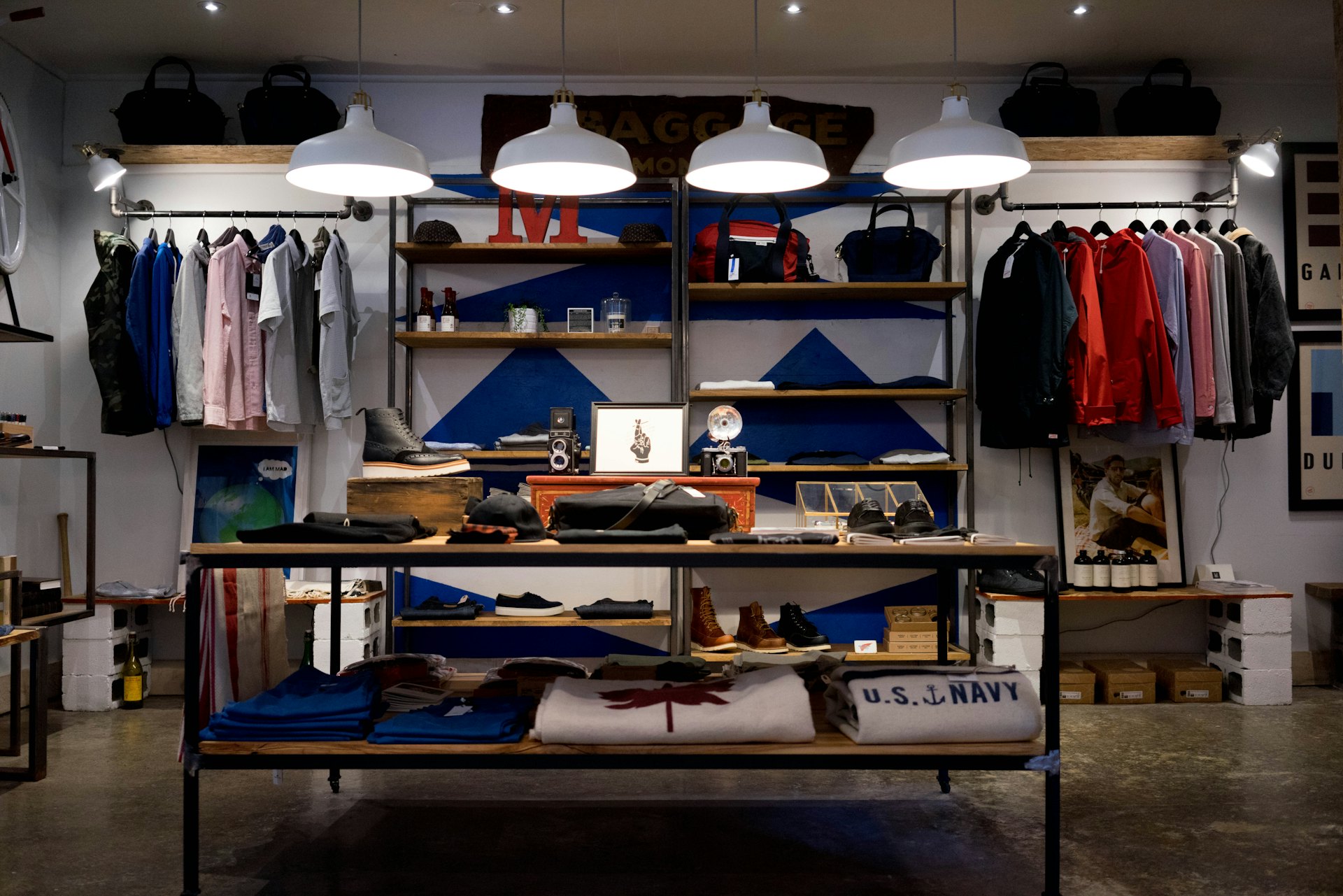
Modern retail store interior −35% walk-aways

Retail

Turn queue time into browsing time — walk-outs become checkouts.

Explore Retail →
Guests being served at a restaurant counter +22% table turns

Restaurants

Digital waitlists and SMS seating for a fuller house and a calmer floor.

Explore Restaurants →
Client at a modern hair salon −50% no-shows

Salon & Spa

Bookings, reminders and waitlists that keep every chair and room busy.

Explore Salon & Spa →
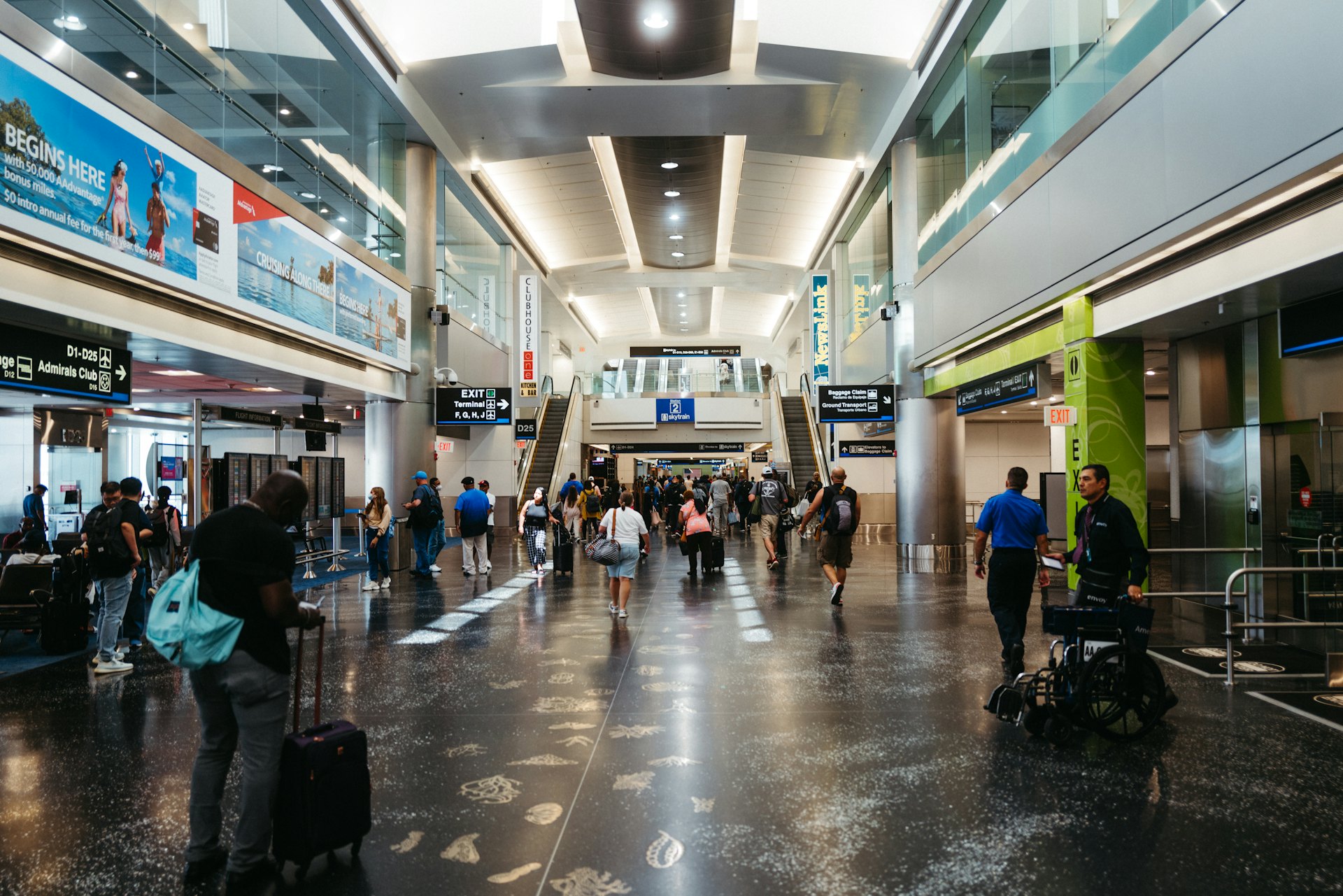
Passengers in an airport concourse −30% queue time

Travel & Airports

Move passengers through check-in, security and desks with less crowding.

Explore Travel →
★★★★★
"We put in four kiosks and the lunch queue basically vanished. Average order is up because the screen always offers a side — and my team is back in the kitchen instead of stuck on the till."
Portrait of Marco Bellini
Marco BelliniOwner, Bellini's Kitchen
FAQ

Self-order kiosks, answered

What is a restaurant self-order kiosk?

A self-order kiosk is a touchscreen where guests browse the menu, customize their order and pay themselves — then the order goes straight to the kitchen. It cuts queues at the counter, frees staff to cook and serve, and reliably increases average order value through prompts and combos.

Do guests need to download an app?

No. The kiosk runs in the browser on any tablet or touchscreen at your counter, and table ordering works by scanning a QR code — no app, no downloads.

Does it send orders to the kitchen?

Yes. Every order is sent instantly to your kitchen display or printer and can sync with your POS — no re-keying and no lost tickets.

Will it really increase order size?

Usually, yes. Kiosks never forget to upsell — they suggest combos, sides and add-ons on every order, and guests tend to customize more freely without feeling rushed, which lifts the average check.

What hardware do I need?

Just a tablet or touchscreen, plus a standard kitchen printer if you want printed tickets. Qwaiton is browser-based, so your existing devices work — there is nothing proprietary to buy.

How much does a self-order kiosk cost?

Kiosk ordering is included in every Qwaiton plan from $50/month per location, with a free 14-day trial and no credit card required. See full pricing — Enterprise plans add multi-location menus, advanced analytics and integrations.

EncryptedIn transit & at rest
Privacy-firstGDPR & consent ready
ReliableMonitored uptime
120+ countriesTrusted globally
No lock-inCancel anytime
Free guide

The 2026 Queue Management Buyer’s Guide

How leading teams cut wait times, walk-outs and no-shows — a practical checklist you can act on this week.

Not ready for a trial? Grab the guide and decide later.

PDF · straight to your inbox · unsubscribe anytime.

Before you decide

The quick answers that usually come up right before starting a trial.

Do I need a credit card to start?

No. Your 14-day free trial needs no card and no commitment — just an email to get in.

How long does setup take?

Most teams are live the same day. Create your first queue in minutes — no hardware or IT project required.

What happens after the 14 days?

Pick a plan (from $50/mo) if it’s working for you, or the trial simply pauses. We never auto-charge a card you didn’t enter.

Can I cancel anytime?

Yes — there’s no lock-in. Cancel with one click whenever you like and your data stays yours to export.

Does it integrate with my tools?

Yes. Qwaiton connects with Zapier, Zoho, GoHighLevel and Tomedo, so it fits the stack you already run.

Is my data secure?

Your data is encrypted in transit and at rest, handled with GDPR and consent in mind, and never sold.

Turn your counter into
your fastest server.

Start your free 14-day trial — no credit card, live in one day.

Trusted by 65,000+ users · Cancel anytime