Instant & contactless
No shared kiosk to touch, no paper to hand out, no app to download — just point, scan and you're in line.
- Join in about three seconds
- Hygienic, fully contactless
- Works on every modern phone
Print a code, stick it on the door, and you're live. Customers point their phone camera, tap the link, and get a live digital ticket — no app, no paper dispenser, no hardware to buy. It's the fastest, most contactless way to join a line ever invented.
Trusted by 65,000+ users across 120+ countries
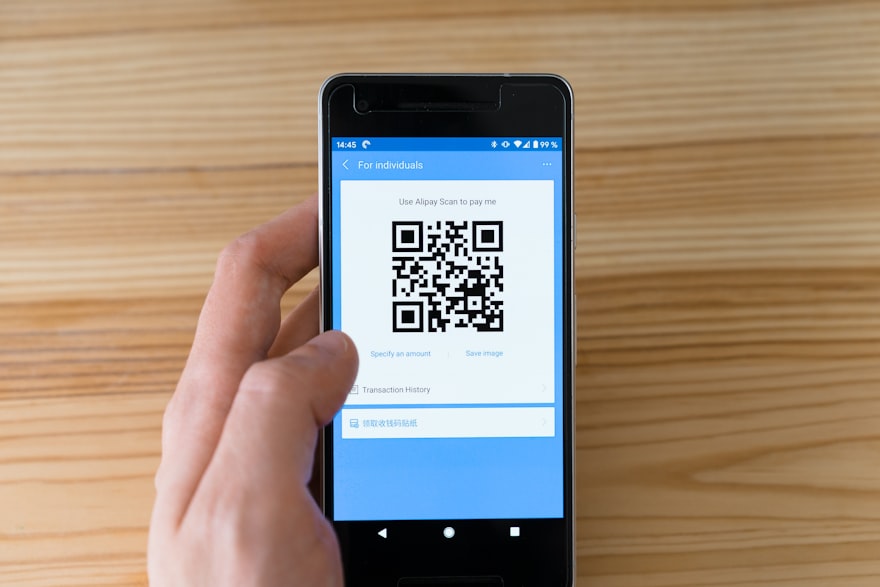
A QR code queue lets customers join the line simply by scanning a code with their phone. There's no paper ticket to grab and no app to install — the camera reads the code, a live digital ticket opens in the browser, and they're in the queue.
Every code can point to a specific queue, counter or service, so a scan at the entrance, the table or the poster does exactly the right thing. Behind the scenes it's the same smart queue: live position, SMS alerts and full analytics — just with the simplest possible way in.
Explore the features →The simplest way in for customers, and the cheapest to run for you.
No shared kiosk to touch, no paper to hand out, no app to download — just point, scan and you're in line.
Skip the ticket dispensers and kiosks entirely. Print a code on paper and you're running — the cheapest queue you'll ever deploy.
One code per queue, counter or service — placed at the door, the table, a poster or online — all feeding the same live dashboard.
Customers arrive and need to get in line. Here's how it goes with the old take-a-paper-ticket machine — and how it goes with a QR code on the door.
No bolt-ons, no surprise add-ons. It all comes in the box.
Customers join in about three seconds with their phone camera — no app, no typing, no paper.
Point a code at any queue or service and change where it leads any time — no reprinting.
A branded page in the customer's browser shows position, ETA and updates in real time.
Position nudges and "you're next" texts bring customers back at exactly the right moment.
Put codes on doors, counters, tables, posters, receipts or your website — one design, infinite placements.
Scans, wait times and drop-offs by code and location — every KPI live and exportable.
One design, four placements. Every scan feeds the same live dashboard.
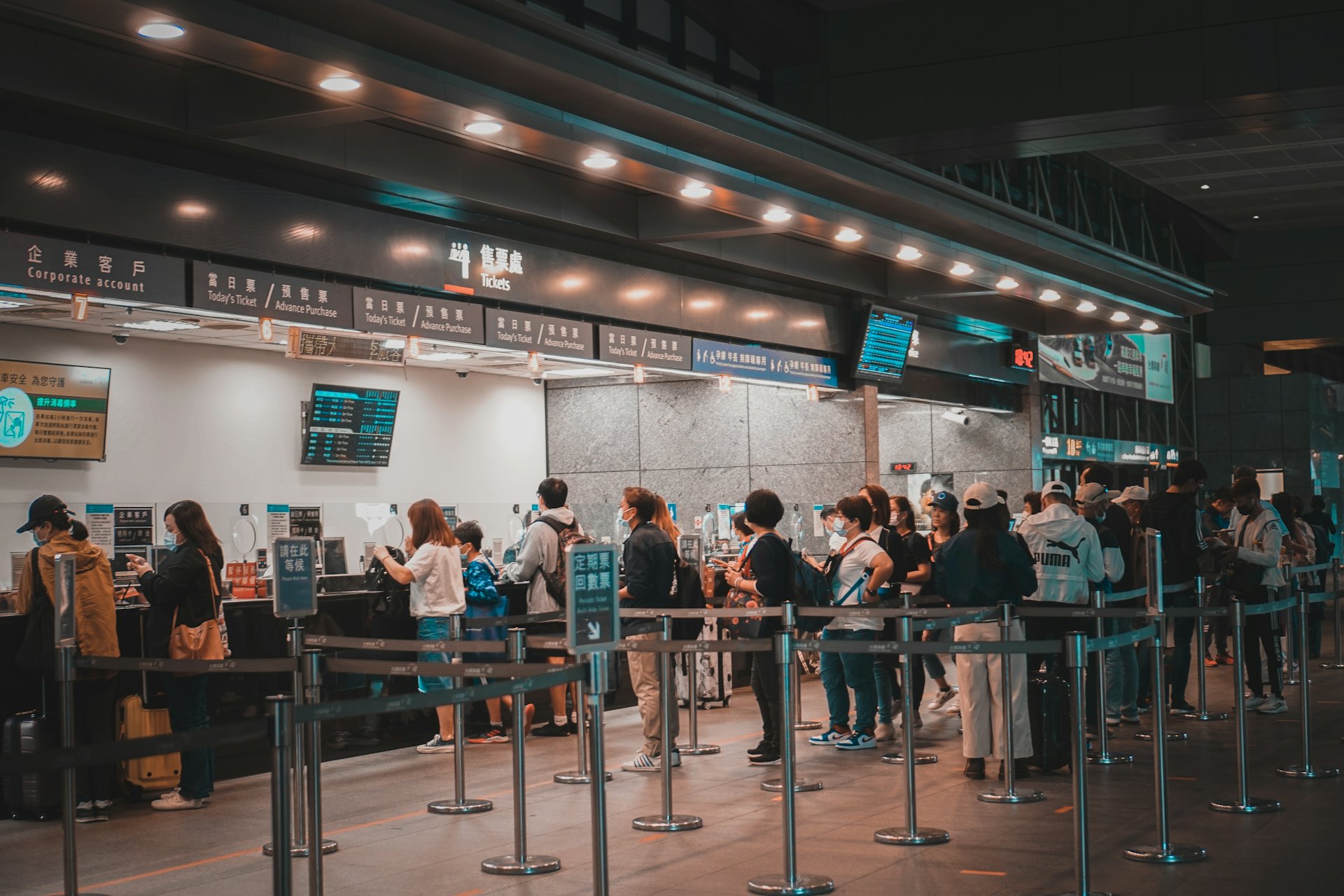
A sticker on the door lets people join before they even reach the desk.
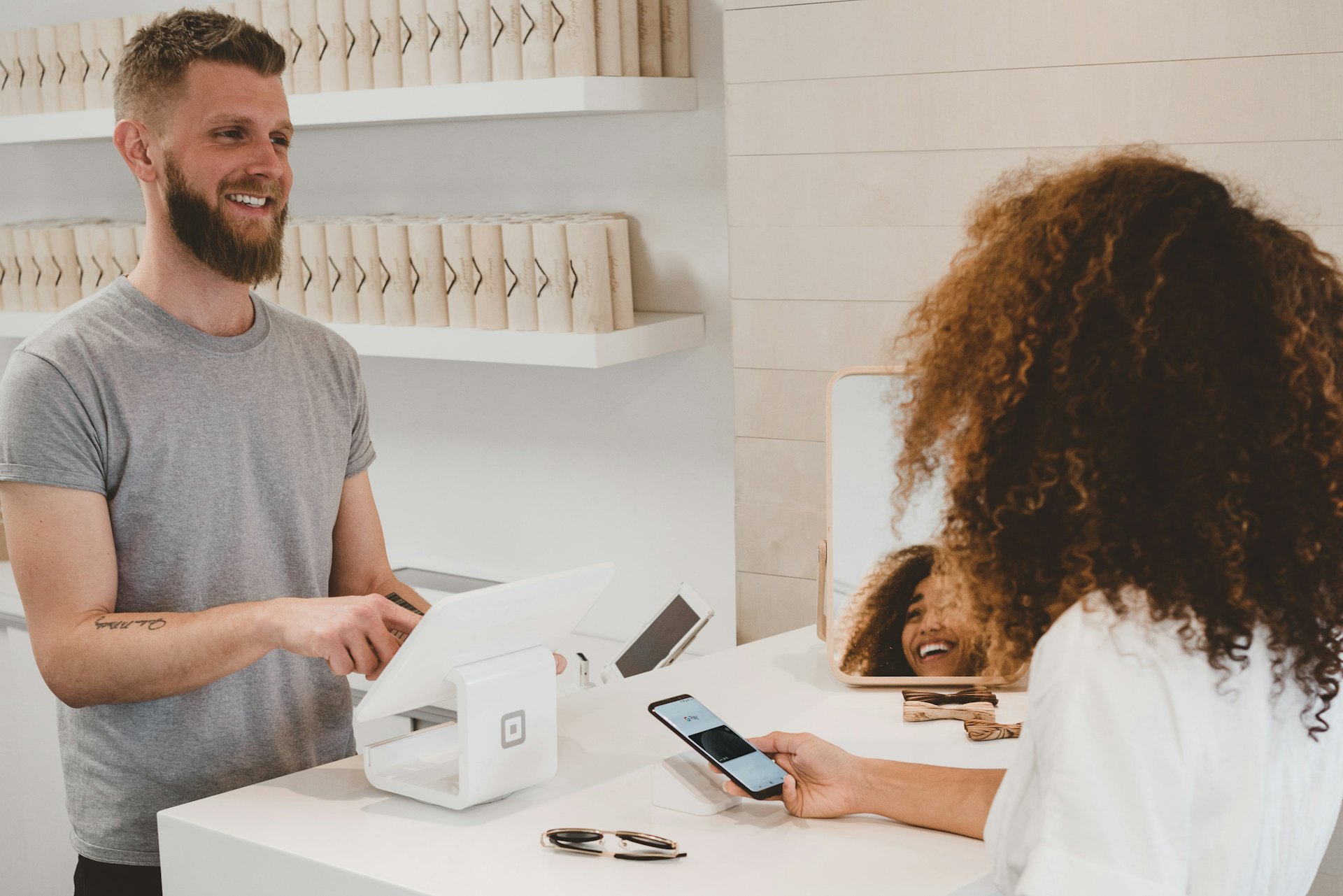
A stand at each counter routes scans to the right queue instantly.
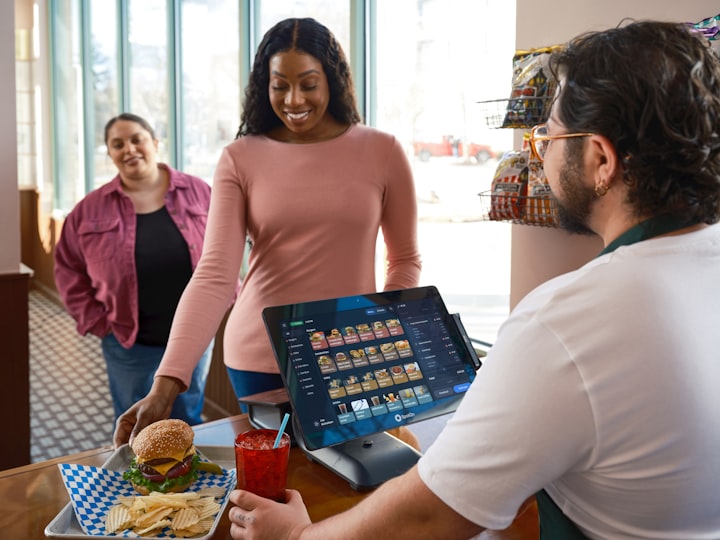
Codes on tables or seats let guests join or order from where they sit.
Add a code to posters, receipts or your website to join from anywhere.
The customer's phone camera reads the code and opens a live ticket — no app, no typing.
Position and ETA update in real time; SMS keeps them posted while they wait anywhere.
A "you're next" alert brings them to the right counter exactly on time.
No dispensers, no kiosks, no IT project. Generate your codes in the dashboard, print them or pop them on a screen, and customers start joining immediately — your existing phones and TVs handle the rest.
See which codes get scanned, when, and where people drop off — across every counter and branch. Rebalance staff before a bottleneck forms and drill into any location from HQ, all from one live dashboard.

 −41% patient wait
Patient flow for hospitals, clinics & labs — calmer rooms, shorter waits.
Explore Healthcare → −40% branch wait
 +28% advisor time
Book and manage advisory meetings without the waiting-room bottleneck.
Explore Finance → −35% walk-aways
 +22% table turns
Digital waitlists and SMS seating for a fuller house and a calmer floor.
Explore Restaurants → −50% no-shows
Bookings, reminders and waitlists that keep every chair and room busy.
Explore Salon & Spa → −30% queue time
Move passengers through check-in, security and desks with less crowding.
Explore Travel → +30% daily capacity
"We retired our ticket dispensers overnight. A printed QR on the door does the whole job — customers scan, wait wherever they like, and we've spent exactly nothing on hardware since."

A QR code queue lets customers join the line by scanning a printed or on-screen QR code with their phone camera. They get a live digital ticket in their browser — no app, no paper — and are called when it's their turn.
No. Every modern phone camera reads QR codes natively. Customers point, tap the link, and join in their browser — nothing to download or install.
Anywhere customers arrive — the entrance, counters, tables, posters, receipts or your website. Each code can point to a specific queue or service, and you can update them any time.
Yes. Customers use their own phones and any existing screen can display a code or "now serving" board. There's no dispenser, no kiosk to buy, and nothing to install.
Yes. Generate as many codes as you like — per service, counter or branch — all feeding one live dashboard. See our queue management system for the full feature set.
How leading teams cut wait times, walk-outs and no-shows — a practical checklist you can act on this week.
Not ready for a trial? Grab the guide and decide later.
The quick answers that usually come up right before starting a trial.
No. Your 14-day free trial needs no card and no commitment — just an email to get in.
Most teams are live the same day. Create your first queue in minutes — no hardware or IT project required.
Pick a plan (from $50/mo) if it’s working for you, or the trial simply pauses. We never auto-charge a card you didn’t enter.
Yes — there’s no lock-in. Cancel with one click whenever you like and your data stays yours to export.
Yes. Qwaiton connects with Zapier, Zoho, GoHighLevel and Tomedo, so it fits the stack you already run.
Your data is encrypted in transit and at rest, handled with GDPR and consent in mind, and never sold.
Start your free 14-day trial — no credit card, no hardware, live in minutes.
Trusted by 65,000+ users · Cancel anytime