Waiting is the first thing your customer experiences and the last thing they forget. Long before anyone reaches a counter, the line has already told them how much you value their time. Queue management is simply the practice of shaping that experience on purpose — and in 2026, it is almost entirely a software problem, not a hardware one. This guide walks through what it means, how it works, what to measure, how to choose a platform, and how to go live faster than you think.
What "queue management" actually means
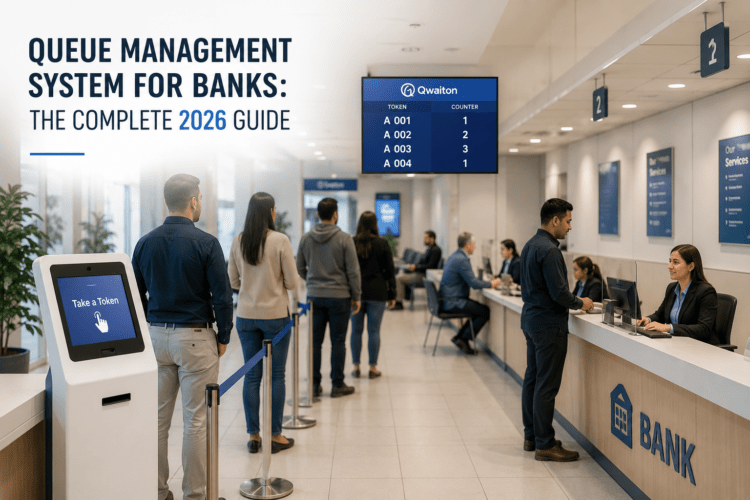
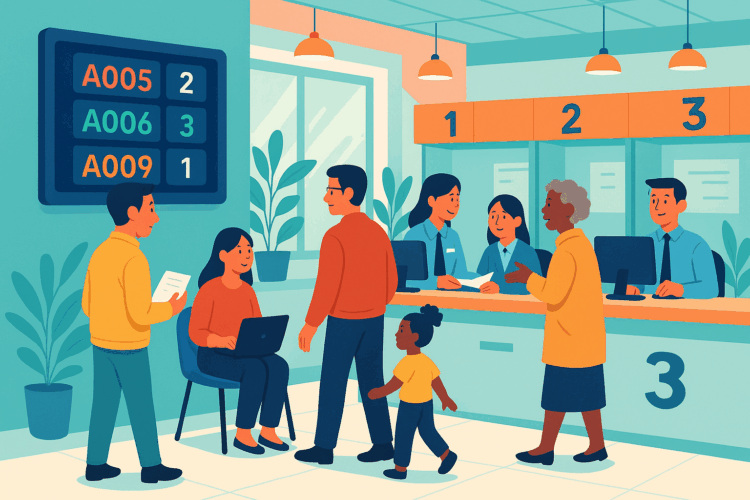
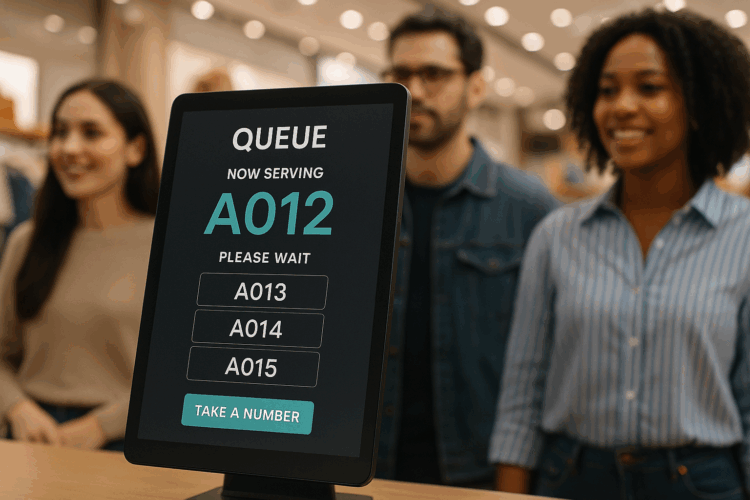
A queue management system organizes how people wait for and receive service. Instead of a physical line, each customer takes a digital ticket — by scanning a QR code, tapping a kiosk, or booking from their phone — and then waits wherever they like. Behind the counter, the system routes each ticket to the right desk, keeps everyone informed with live updates, and records every interaction so managers can see exactly where time is lost.
The goal isn't to make the line move faster by force. It's to remove the two things people actually hate: uncertainty and crowding. When someone can see their position and step away until it's their turn, a fifteen-minute wait stops feeling like a fifteen-minute wait.
How a modern digital queue works
Under the hood, every good system follows the same four beats — no matter whether you run a clinic, a bank branch, or a government office:
- Join — the customer takes a digital ticket by QR, kiosk, web link or reception desk. No app download required.
- Wait anywhere — a live position and SMS alerts free your lobby of crowds and your staff of "am I next?" questions.
- Get routed — priority rules by service type, staff skill and capacity send each person to the right counter automatically.
- Measure — every wait, service and staff metric is captured in real time, ready to act on.
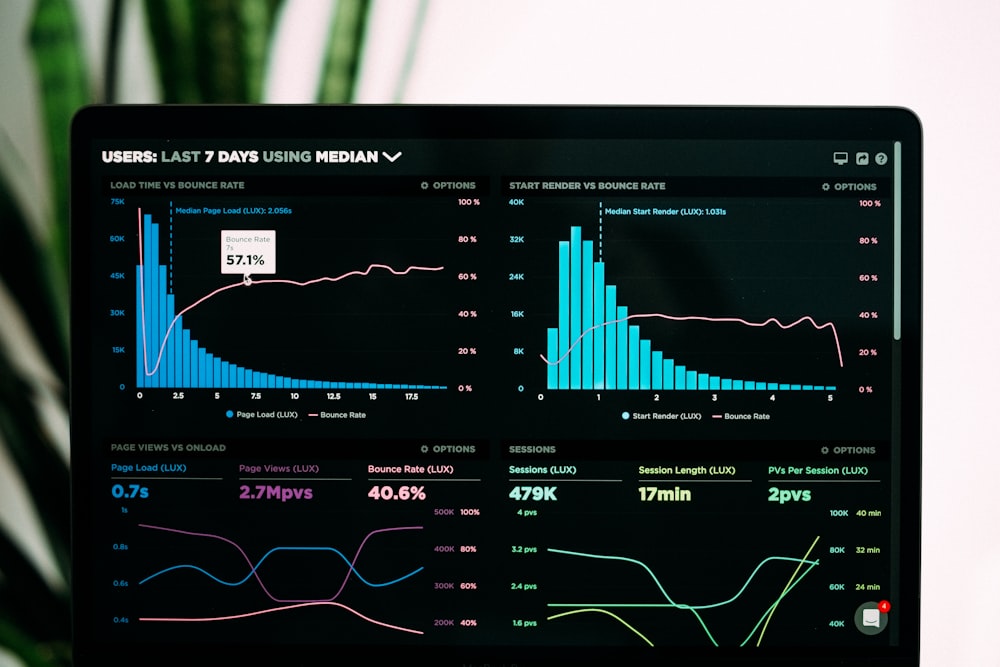
The line never really disappears — you just move it off the floor and into software, where you can finally see it, measure it, and shape it.
The 5 metrics that matter
Most dashboards will happily drown you in numbers. Ignore the vanity ones and watch these five — they tell you exactly where to act next:
- Average wait time — the headline number, broken down by hour, branch and service type.
- Service time — how long each interaction actually takes, so you can spot training gaps and bottlenecks.
- Abandonment rate — how many people give up before being served. This is the silent revenue leak most teams never see.
- Counter utilization — whether your windows are balanced or whether two are drowning while a third sits idle.
- Peak periods — the true busy hours to schedule and staff around, instead of guessing from memory.
Key takeaways
- Queue management in 2026 is a cloud software layer — no special hardware required.
- Remove uncertainty and crowding, and the wait itself feels far shorter.
- Watch five metrics, not fifty; abandonment is the one most teams miss.
- You can be live in a single day if you keep the first rollout simple.
How to choose the right system
The market is noisy, and the biggest names are rarely the best value. Focus less on feature checklists and more on how quickly a system pays for itself. A good platform should run in the browser, work with the phones and tablets you already own, and show you real analytics out of the box — not as a paid add-on.
Questions to ask any vendor
- Can customers join without downloading an app?
- Does it work with our existing hardware, or must we buy theirs?
- Are analytics included, and can we export the raw data?
- How long is a realistic go-live — days, or a multi-month project?
- Does one dashboard cover every location, or is each branch an island?
Your one-day rollout plan
You don't need an IT project to start. Here's a rollout most teams can finish before closing time:
- Morning — create your queues and services, and set your routing rules.
- Midday — print your QR codes and turn a spare tablet into a check-in kiosk and a TV into a "now serving" display.
- Afternoon — run a few test tickets with your team, then open it to real customers and watch the live dashboard.
Start with one location and one or two services. Once the team is comfortable, roll the same setup out to every branch — the platform does the copying for you.
The bottom line
Queue management has quietly become one of the highest-leverage changes a service business can make. It costs little, deploys in a day, and improves the experience out front and the operation behind the counter at the same time. The line isn't going away — but with the right system, your customers will barely notice it's there. See how Qwaiton does it →

Maya leads queue science at Qwaiton, where she helps clinics, banks and public services turn waiting rooms into smooth, measured flows. She has spent a decade studying how people experience time in line.